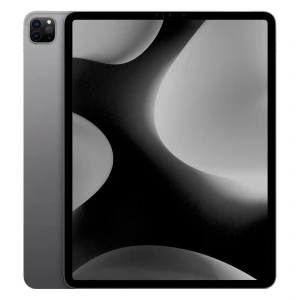
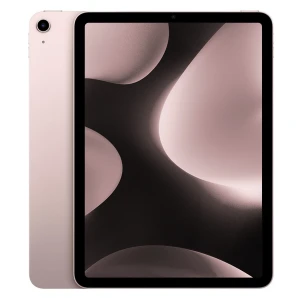
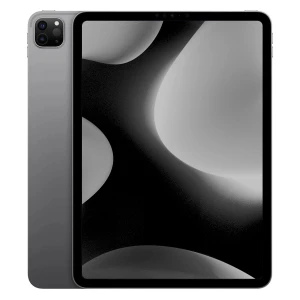
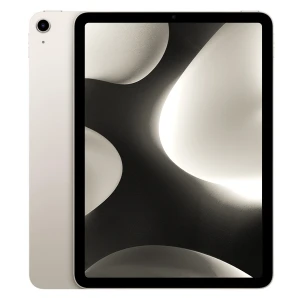
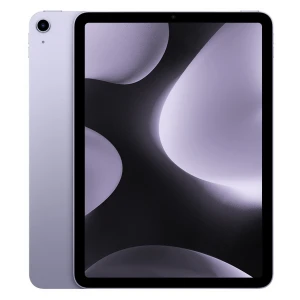
What's the difference between the iPad Air and the iPad Pro?
iPad Air vs iPad Pro comparison
| Feature |
iPad Air (M2 / M3) |
iPad Pro (M2 / M4) |
| For whom |
Students, work, daily use |
Professionals, creatives, demanding users |
| Sizes |
11″, 13″ |
11″, 12.9″, 13″ |
| Screen |
Liquid Retina LCD, 60 Hz |
ProMotion 120 Hz, mini-LED / OLED |
| Processor |
M2: 8-core CPU / 10-core GPU | M3: 8-core CPU / 9-core GPU |
M2: 8-core CPU / 10-core GPU | M4: 9/10-core CPU / 10-core GPU |
| RAM |
8 GB |
8 GB / 16 GB |
| Face ID |
No |
Yes |
| Touch ID |
Yes |
No |
| Speakers |
Stereo |
4 speakers |
| Apple Pencil |
Yes |
Yes |
| Battery |
up to 10 h |
up to 10 h |
Design and dimensions of the iPad Air and Pro - which model is more convenient?
| Feature | iPad Air | iPad Pro |
|---|
| Sizes | M2: 11″, 13″ | M3: 11″, 13″ | M2: 11″, 12.9″ | M4: 11″, 13″ |
| Thickness | M2/M3: 6.1 mm | M2: 6.4 / 6.9 mm | M4: 5.3 / 5.1 mm |
| Weight | M2/M3: from 462 g | M2: from 466 g | M4: from 444 g |
| Biometrics | Touch ID | Face ID |
Both series are slim and very well made, but the iPad Pro M4 is currently Apple’s thinnest product. In everyday use, you can also feel the advantage of Face ID – especially when working at a desk or with a keyboard.
The Air remains very convenient and portable, especially for students and people who often carry a tablet in their bag.
Display - the iPad Pro's biggest advantage
| Feature | iPad Air | iPad Pro |
|---|
| Panel type | M2/M3: Liquid Retina LCD | M2: Liquid Retina / mini-LED (12.9″) | M4: OLED |
| Refresh rate | 60 Hz | 120 Hz ProMotion |
| SDR brightness | M2/M3: 500 nits | M2: 600 nits | M4: 1000 nits |
| Contrast | LCD standard | Significantly higher |
| True Tone | Yes | Yes |
It is the screen that most often determines the choice. With the Air you get a very good LCD panel, sufficient for studying, movies and the Internet.
The Pro offers 120 Hz, which means smoother scrolling, better animations and a more natural workflow with the Apple Pencil. On M4 models, the OLED screen also gives deeper blacks and higher contrast.
Processor and performance - M2, M3 or M4?
| Feature | iPad Air | iPad Pro |
|---|
| Chip | M2 / M3 | M2 / M4 |
| CPU | M2: 8-core | M3: 8-core | M2: 8-core | M4: 9- or 10-core |
| GPU | M2: 10-core | M3: 9-core | M2: 10-core | M4: 10-core |
| Ray Tracing | M3: Yes | M4: Yes |
| Neural Engine | Newer in the M3 | Most powerful in the M4 |
Even the M2 is still a very fast chip that can calmly handle multitasking, gaming and office work.
The M3 gives better power efficiency and more modern graphics. The M4 is already professional level – especially for video editing, creative work and advanced applications.
iPad Air vs iPad Pro - RAM and internal memory
| Feature | iPad Air | iPad Pro |
|---|
| RAM | M2/M3: 8 GB | M2: 8 / 16 GB | M4: 8 / 16 GB |
| Bootable memory | 128 GB | 128 GB / 256 GB |
| Maximum memory | 1 TB | 2 TB |
For daily use, the Air’s 8 GB of RAM will quietly suffice.
However, if you work on large files, edit video or use multiple applications at once, Pro models with 16 GB of RAM will be a better choice.
Cameras and video calling on iPad Air and Pro
| Feature | iPad Air | iPad Pro |
|---|
| Rear camera | 12 MP | 12 MP |
| Front camera | 12 MP Center Stage | 12 MP Center Stage |
| LiDAR | No | M2: Yes |
| 3D scanning | No | Yes |
For online conversations, both models perform very well. The 12 MP front camera with Center Stage automatically keeps you in the frame during video conferences.
Pro offers additional capabilities for developers and professionals – such as a legacy LiDAR scanner.
Battery and charging - does the iPad Pro last longer than the Air?
| Feature | iPad Air | iPad Pro |
|---|
| Wi-Fi uptime | up to 10 h | up to 10 h |
| Charging | USB-C | USB-C / Thunderbolt (on select Pro models) |
| Mobile work | Yes | Yes |
In terms of battery, both models perform similarly. One day of work, university or travel should not be a problem.
The Pro Series gives you the edge with faster ports and better interoperability with external accessories.
Apple Pencil and keyboards
| Feature | iPad Air | iPad Pro |
|---|
| Apple Pencil | Yes | Yes |
| Magic Keyboard | Yes | Yes |
| Drawing | Very good | Best |
| Writing | Very good | Very good |
If you take notes, study or work on the go – both models are very good choices.
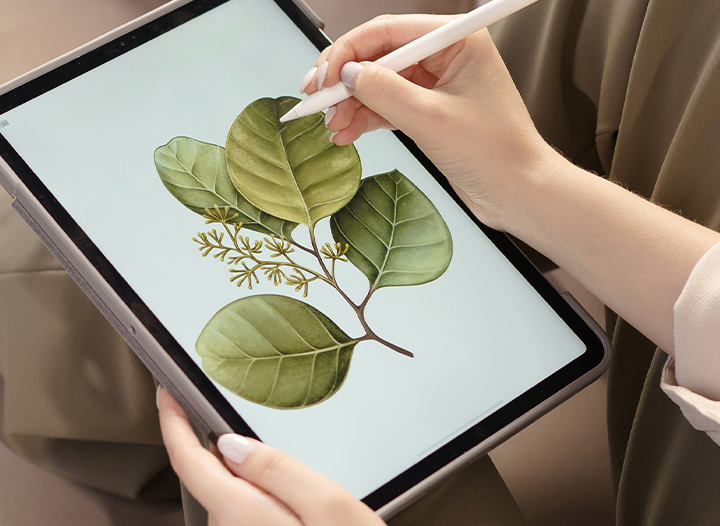
For professional drawing, the Pro with 120 Hz screen gives a more natural feel and less lag.
What to choose - iPad Pro or iPad Air?
Choose the Air series if:
- looking for the best value for money
- You are studying or doing office work
- take notes
- you watch movies and use the internet
- you don’t need 120Hz
Choose the Pro Series if:
- you work creatively
- you edit video
- you draw professionally
- you want Apple’s best screen
- you use the tablet many hours every day
Buy cheaper and smarter - why bet on a refurbished iPad?
Buying a new Apple tablet is a considerable expense, so more and more people are opting for refurbished iPads. This is a reasonable option for those who want to enjoy Apple quality, but without paying full price for a device straight out of the box. In practice, this means that on the budget of a new iPad Air, you can often buy a more powerful Pro model, such as the iPad Pro M2 with a better screen, Face ID or more memory.
When you buy from SWOPiFY, you not only get a lower price, but also peace of mind after the purchase. This is especially important with premium electronics.
Benefits of buying from SWOPiFY:
- equipment after professional technical inspection
- warranty and post-purchase support
- clear visual and technical condition of the product
- more attractive price than new equipment
- safe purchase from a verified seller
- An ecological choice in line with the idea of less waste
If you want the best value for your money, a refurbished iPad from SWOPiFY often proves to be a wiser choice than a new lower-end model. This allows you to buy better hardware, pay less and use the device for years to come.